Your Live Stream Is Running Behind—Here's Why Your Viewers Already Gave Up
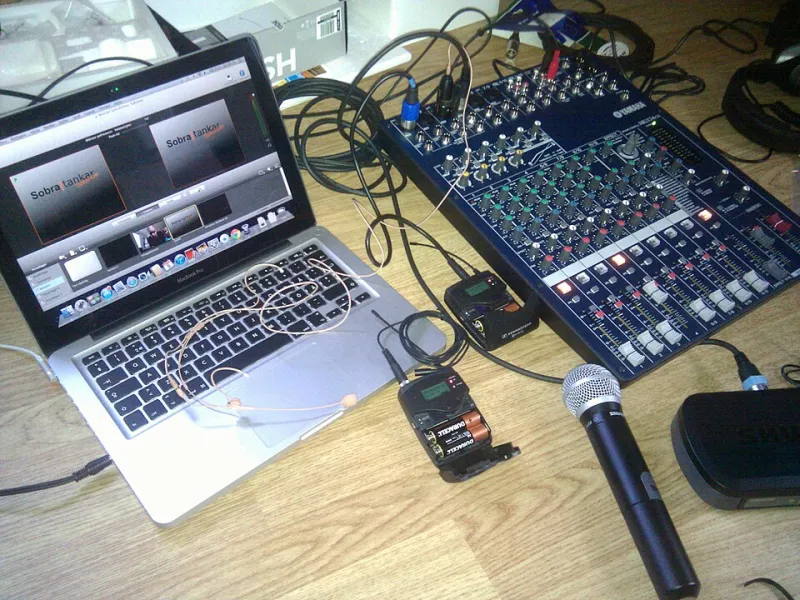
Photo: Christian Dahlqvist, CC BY-SA 2.0, via Wikimedia Commons
Picture this: you're mid-stream, you ask your audience a question, and you wait. And wait. And wait. Then, nearly 30 seconds later, the chat explodes with answers—but you've already moved on. The moment is dead. The energy that makes live content feel alive just evaporated.
Latency—the delay between what happens in front of your camera and when it reaches a viewer's screen—is the silent killer of live stream engagement. Most creators know it exists. Very few understand what's actually causing it or what levers they can realistically pull to reduce it. Let's fix that.
What Latency Actually Means (And Why It's Not One Thing)
When streamers talk about lag, they're usually lumping several different delays together into one frustrating experience. But technically, latency in a live stream is the cumulative result of multiple handoffs happening in sequence.
First, there's capture and encoding latency—the time it takes your local machine or encoder to capture your camera feed, compress it into a streamable format, and package it for transmission. Then comes network transit time—how long it takes those data packets to travel from your setup to the streaming platform's ingest servers. After that, the platform has to process, transcode, and distribute your stream to its CDN (Content Delivery Network). Finally, your viewer's device has to buffer enough data to play back smoothly before it actually starts showing them your stream.
All of those steps add up. On a typical RTMP-based stream pushed to a major platform, you're looking at anywhere from 15 to 45 seconds of end-to-end latency under normal conditions. For a pre-recorded upload, that's irrelevant. For a live Q&A, a product launch, or a sports watch party, it's a fundamental breakdown of the format.
The Encoder Is Often the First Bottleneck
Your encoder—whether that's OBS, Streamlabs, a hardware encoder like an Elgato or AJA device, or a cloud-based solution—makes decisions that directly affect how much delay gets baked in before your stream even leaves your room.
Software encoders running on underpowered machines introduce processing latency when they can't keep up with the encoding demand. If your CPU is maxed out trying to encode at a high bitrate while also running a browser, your streaming dashboard, and your game or presentation software, frames get dropped and the encoder falls behind. The result isn't just lower quality—it's inconsistent latency that makes your stream feel choppy and delayed.
Codec choice matters here too. H.264 remains the most compatible option across platforms and viewer devices, and its encoding efficiency means lower CPU overhead at comparable quality levels to newer codecs. AV1 and HEVC offer better compression but demand significantly more processing power for real-time encoding—a trade-off that can actually increase latency on mid-range machines even while reducing bandwidth usage.
For most live streamers, the practical advice is counterintuitive: don't chase the newest codec for live content unless you have the hardware headroom to handle it without strain.
Network Infrastructure: The Part You Can't Fully Control (But Can Influence)
Once your stream leaves your encoder, it travels through your local network, your ISP's infrastructure, and then across the open internet to the platform's ingest point. Each hop introduces potential delay and packet loss.
Your upload speed is the obvious variable, but it's not the only one that matters. Upload consistency is actually more important than raw speed for latency-sensitive streaming. An internet connection with 50 Mbps of upload capacity but high jitter—meaning the speed fluctuates unpredictably—will produce a worse live stream experience than a 10 Mbps connection with rock-solid consistency.
A few things you can do right now: use a wired Ethernet connection instead of Wi-Fi whenever possible. Wireless connections introduce variable latency that's difficult to predict or compensate for. If you're on Wi-Fi because you have no choice, a Wi-Fi 6 router and a 5GHz connection will help, but it's still not as reliable as a cable.
Choosing the closest ingest server to your physical location is another easy win that many streamers skip. Most platforms let you select or auto-detect the optimal ingest endpoint. Don't assume auto-detection always picks correctly—test a few options and monitor the connection quality stats in your encoder.
Platform Buffering: The Delay You're Handing to Your Viewer
Even after your stream reaches the platform and gets distributed to viewers, there's one more layer of latency introduced on the playback side: the viewer's buffer.
Video players pre-load a few seconds of content before starting playback to smooth over any network hiccups on the viewer's end. This is why you can watch a stream on a slow connection without constant interruptions—the player is building a small cushion of pre-loaded video. The trade-off is that this cushion adds to the total delay.
Most major platforms now offer a low-latency streaming mode that reduces this buffer at the cost of potentially more rebuffering events for viewers with slower connections. On YouTube Live, this is called "Low-latency" mode and can be toggled in your stream settings. Twitch has offered reduced latency options for years. The right choice depends on your audience: if most of your viewers are on reliable broadband and you need tight interaction, enable it. If you're reaching people in areas with inconsistent connectivity, the standard buffer mode might actually produce a better experience.
Benchmarks Worth Knowing
To give you a sense of what's achievable: ultra-low latency protocols like WebRTC can deliver sub-second end-to-end delay and are used in video call applications and some specialized streaming tools. RTMP-based streams with low-latency settings enabled typically land in the 3–8 second range on major platforms. Standard RTMP without optimization sits at 15–45 seconds. HLS-based streams (common for large-scale distribution) can push 30–60 seconds of latency without specific tuning.
For most interactive live content, targeting the 3–8 second range is realistic and sufficient. You'll never fully sync chat with your on-screen moment, but 5 seconds of delay is manageable in a way that 30 seconds simply isn't.
A Quick Diagnostic Toolkit
If you're not sure where your latency is actually coming from, here's a simple process to isolate the issue:
- Open your stream in a browser on a separate device while you're live. Count the seconds between a specific action (clapping, holding up a card) and when it appears on screen. That's your total end-to-end latency.
- Check your encoder stats. OBS shows dropped frames and encoding lag in real time. If you're dropping frames, your encoder is the bottleneck.
- Run a network test using a tool like Fast.com or your ISP's speed test while streaming to see if your connection is holding steady under load.
- Compare platform latency settings. Test your stream with standard versus low-latency mode and measure the difference with the same browser-on-separate-device method.
Live streaming's entire value proposition is the real-time connection between creator and audience. Every second of unnecessary delay is a tax on that connection. Trim the fat, know your bottlenecks, and give your viewers the live experience they actually showed up for.